Diagnose  Remix issues
with screen recordings
Console logs, network data, and user actions across every route.
Works with loaders, actions, and nested layouts.
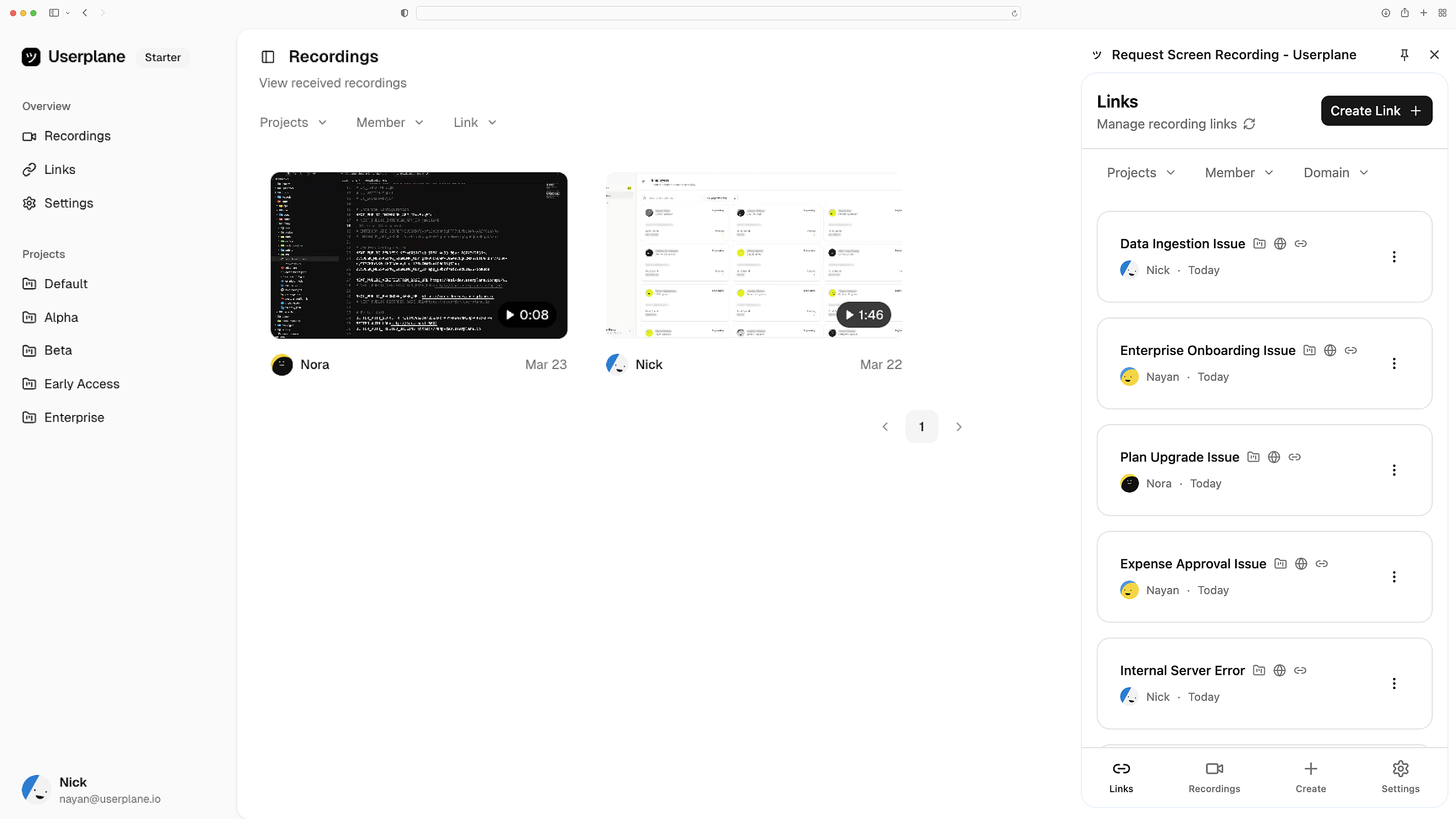
Works with the tools you already use
 Intercom
 Zendesk
 Crisp
Crisp Help Scout
 Slack
Slack Zapier
 Freshdesk
 HubSpot
 Jira
Jira Linear
 Notion
 SalesforceIntercomZendeskCrispHelp ScoutSlackZapierFreshdeskHubSpotJiraLinearNotionSalesforce
CDN or npm — drop it in
Add a script tag to your root route for instant setup, or install the npm package for programmatic control. Remix apps use a useEffect in the root to keep server bundles clean.
Setup in minutes
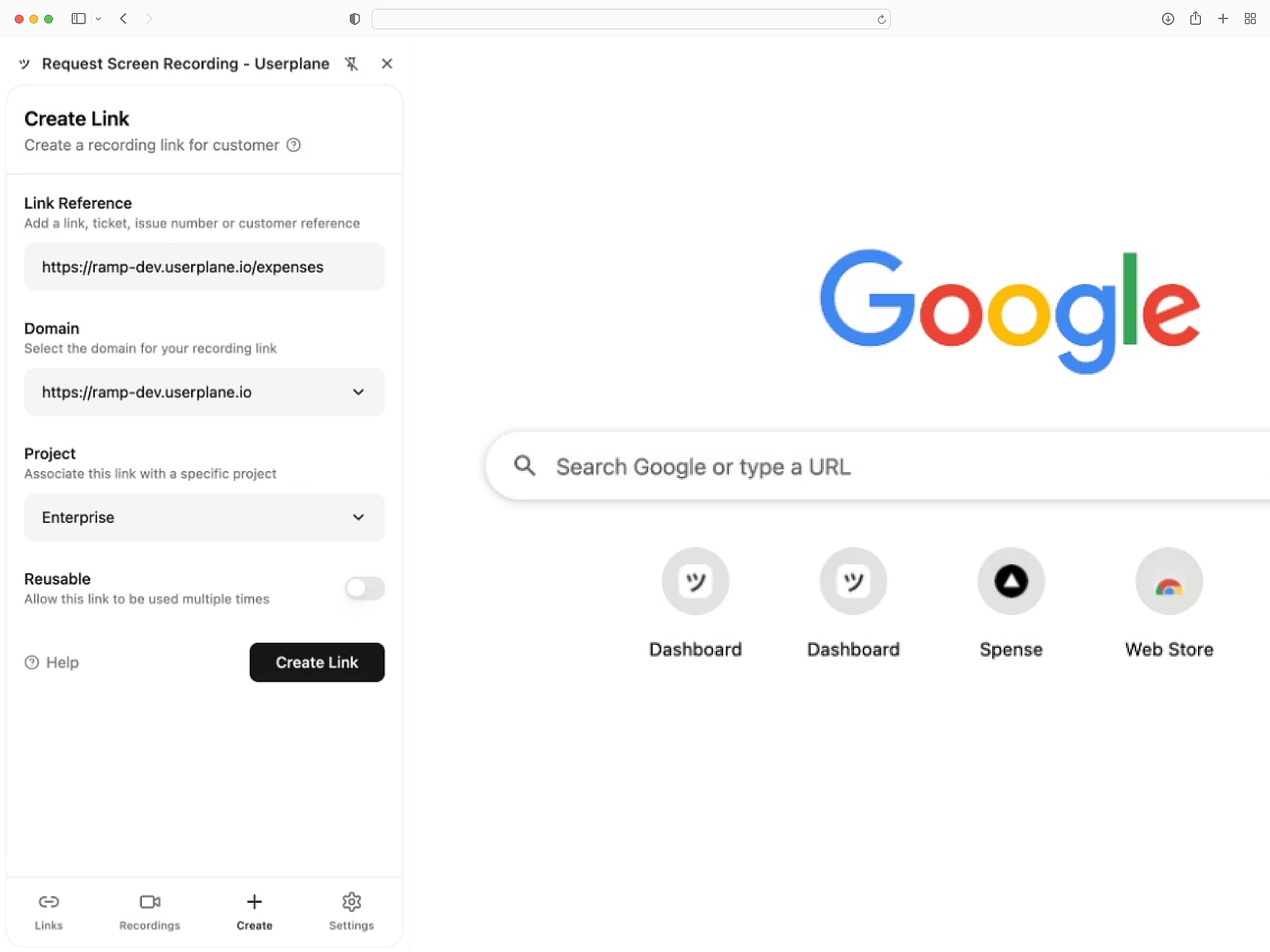
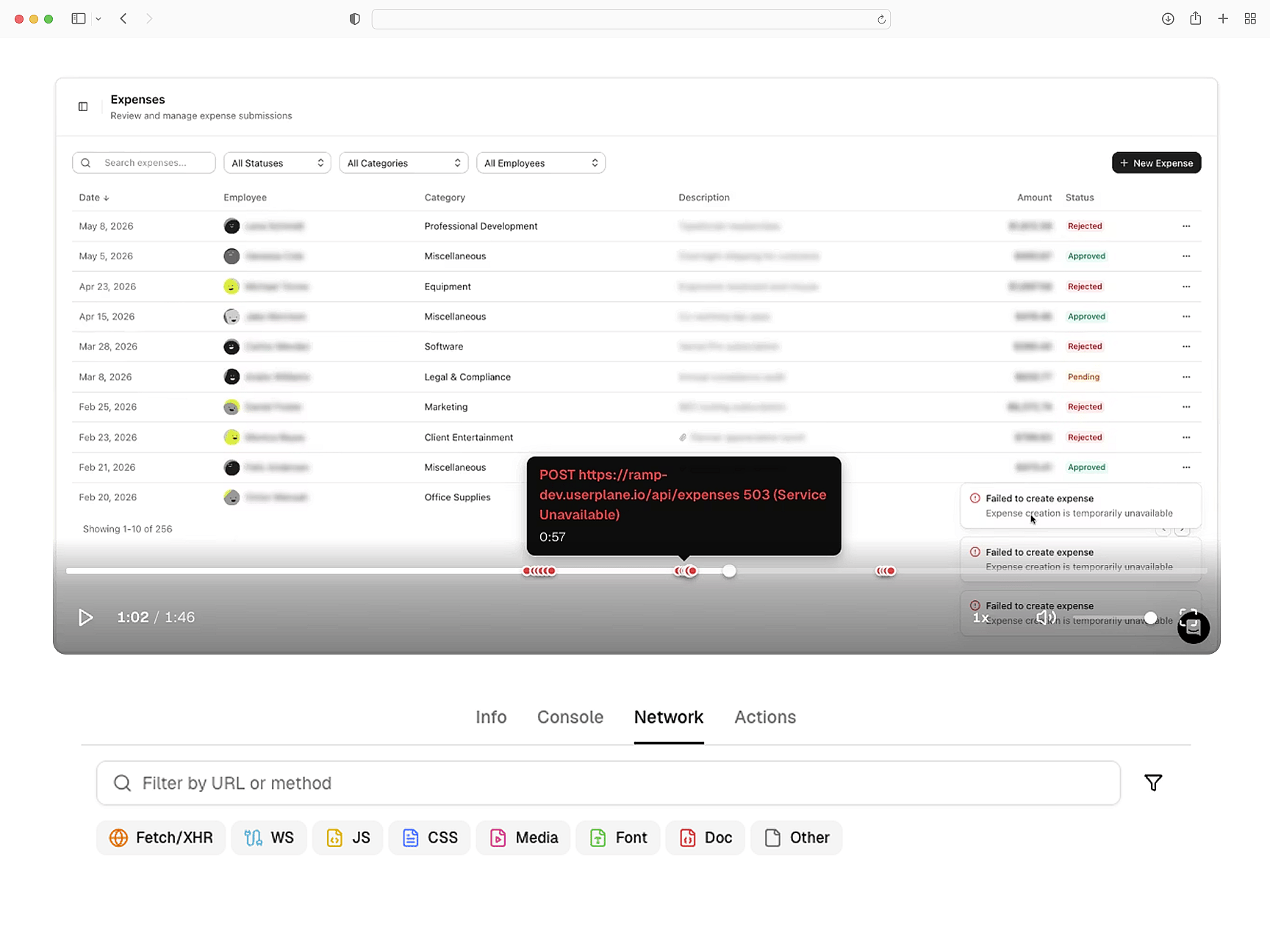
Loaders, actions, and logs captured
Console errors, network requests, browser metadata, and user actions — captured across nested routes. Debug loader failures and form submission errors with full session context.
Full route visibility
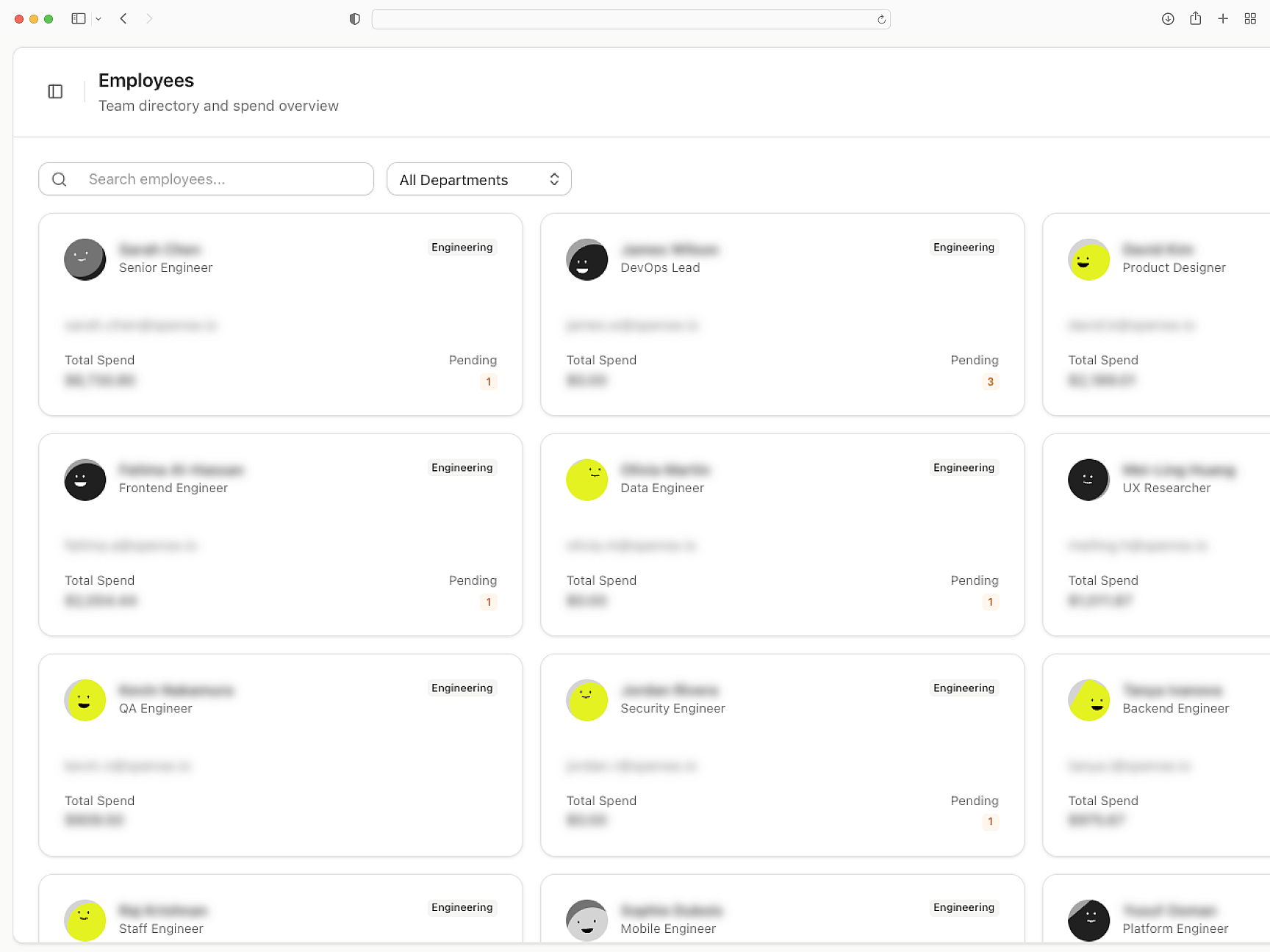
Privacy built into the pipeline
Sensitive data is masked before recordings leave the browser. Works alongside Remix middleware and loader-level access control. GDPR and CCPA compliant out of the box.
Redacted before capture
Plugs into your support stack
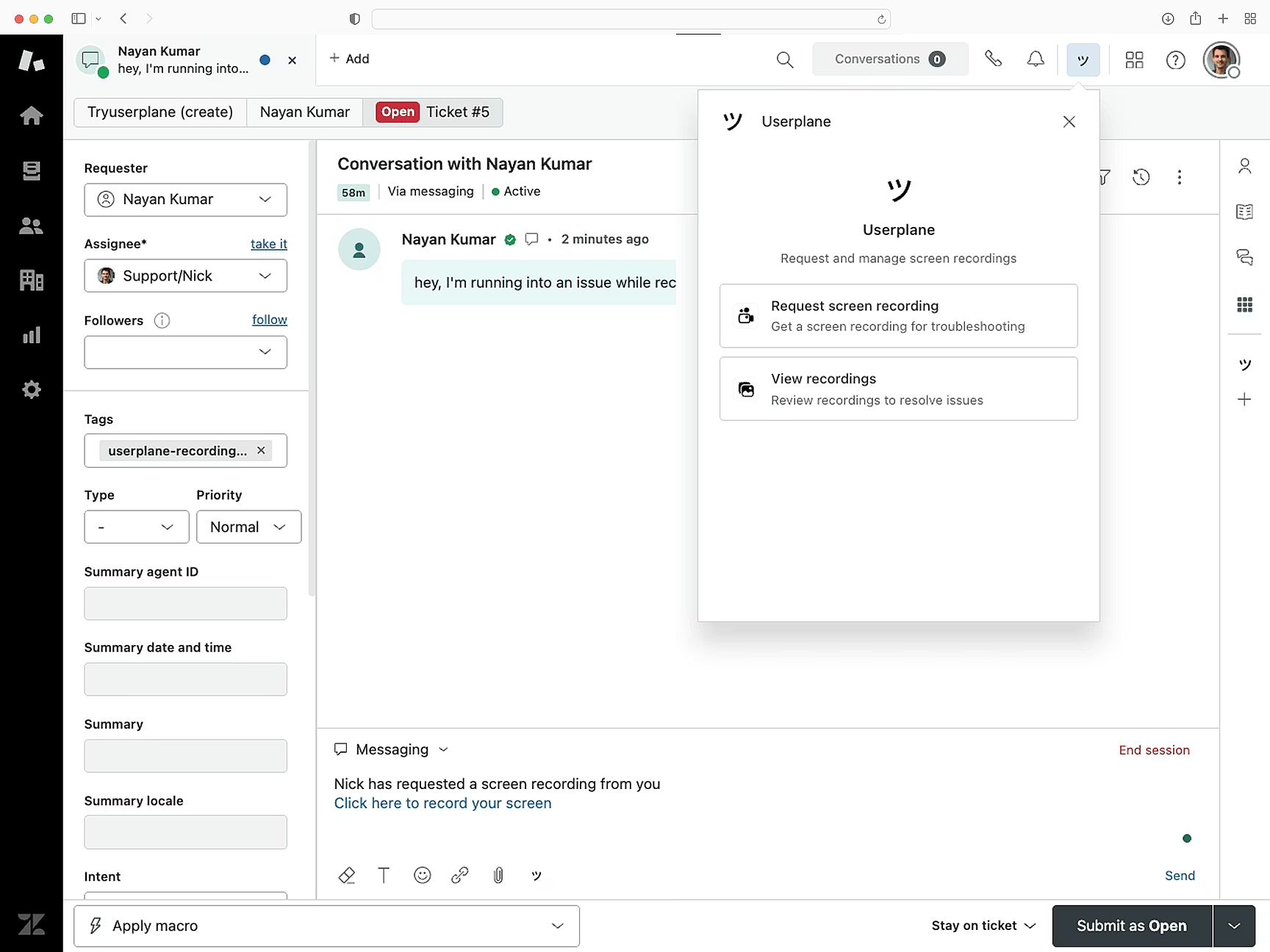
Recordings attach to Intercom, Zendesk, and Slack conversations. Session data links directly to tickets. API and webhook support for custom routing.
Fits where you triage
Remix
Remix Setup Guide
Install Userplane in your Remix application. Root route provider and useEffect initialization.
SDK Overview
CDN script or npm package. Identify users, manage sessions, and apply privacy settings.
How Screen Recording Works
How recordings gather console output, network requests, and session interactions automatically.
Next.js
Capture console logs, network requests, and session details from your Next.js app. Works with App Router and Server Components.
React
Every React recording ships with console logs, network activity, and session context. Works with Vite, CRA, and custom setups.
Vue
Every Vue recording ships with console logs, network data, and session activity across Vue 3 components and Vue Router transitions.
Trace Remix bugs from loader to render
Loader failures, action errors, and route transitions — every recording includes the technical context to find the root cause.