Fix  Astro support issues
with screen recordings
Logs, errors, and network data from every framework island.
Captures across React, Vue, and Svelte islands.
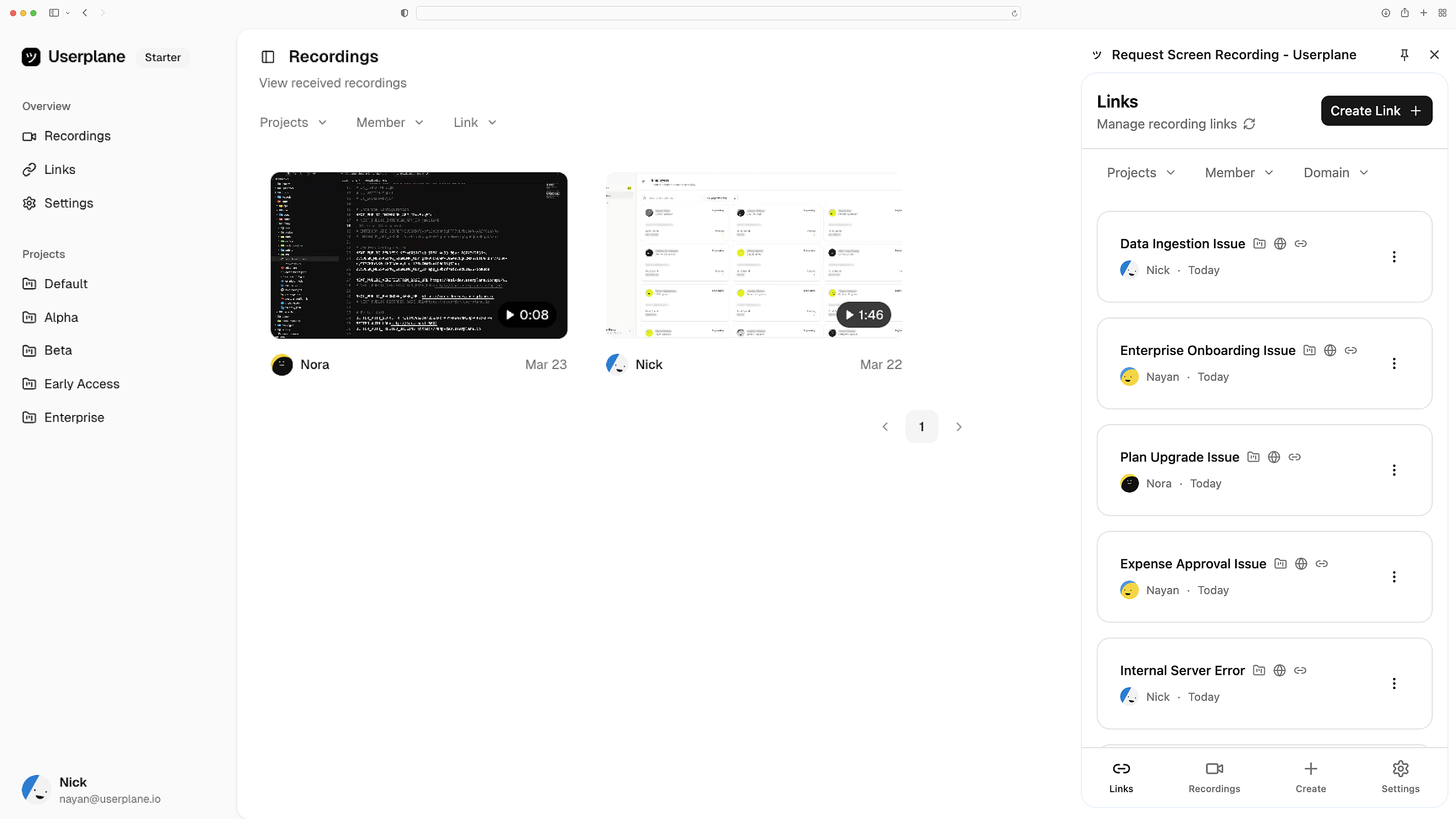
Works with the tools you already use
 Intercom
 Zendesk
 Crisp
Crisp Help Scout
 Slack
Slack Zapier
 Freshdesk
 HubSpot
 Jira
Jira Linear
 Notion
 SalesforceIntercomZendeskCrispHelp ScoutSlackZapierFreshdeskHubSpotJiraLinearNotionSalesforce
Session recordings, any island
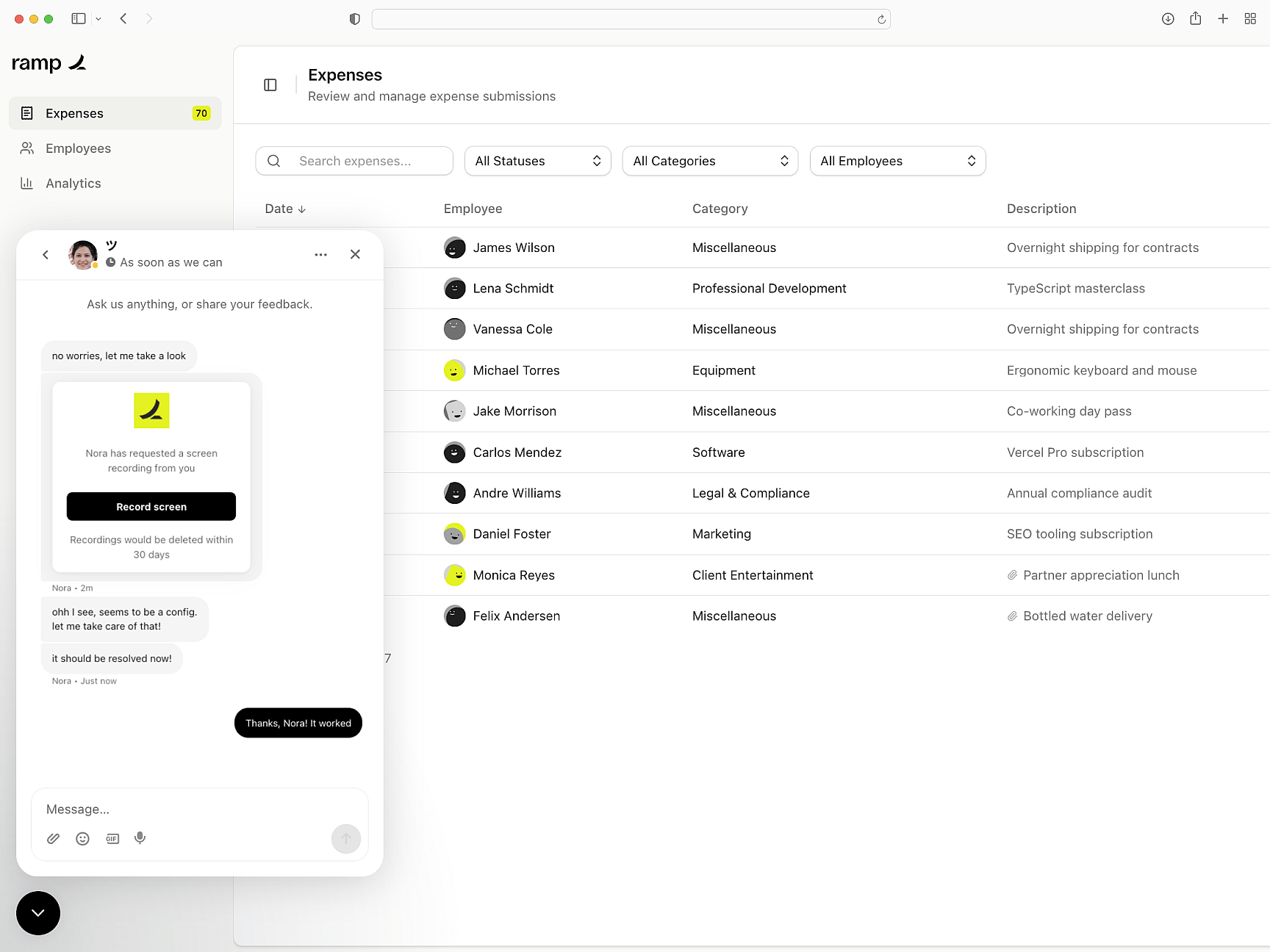
Customers record from a link. You get a full replay — interactions across every framework island on the page captured in a single recording.
One recording, all islands
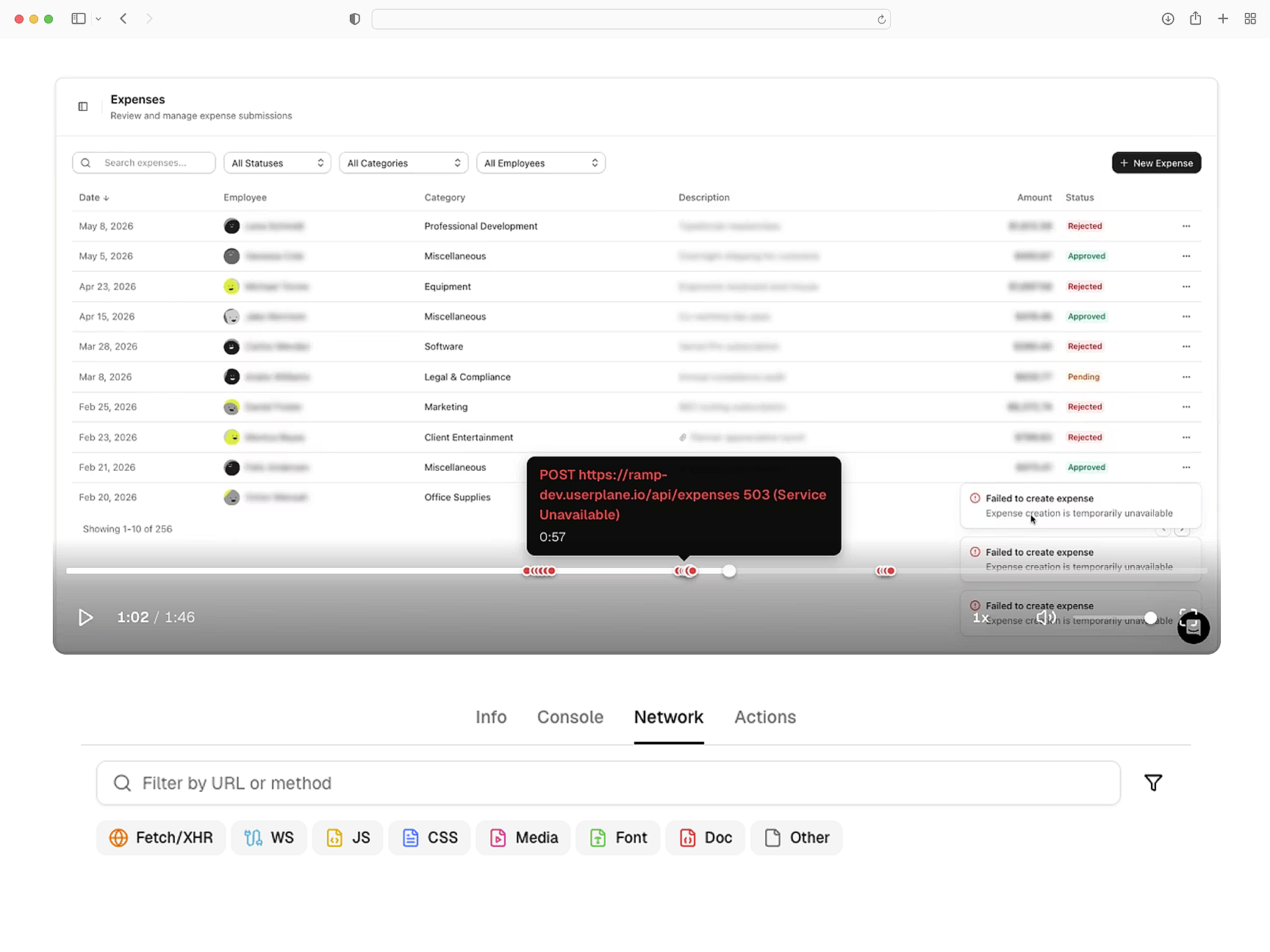
Errors and network captured
Console errors, network activity, browser metadata, and user actions — captured regardless of which framework island generated them.
Cross-island diagnostics
Redaction built in
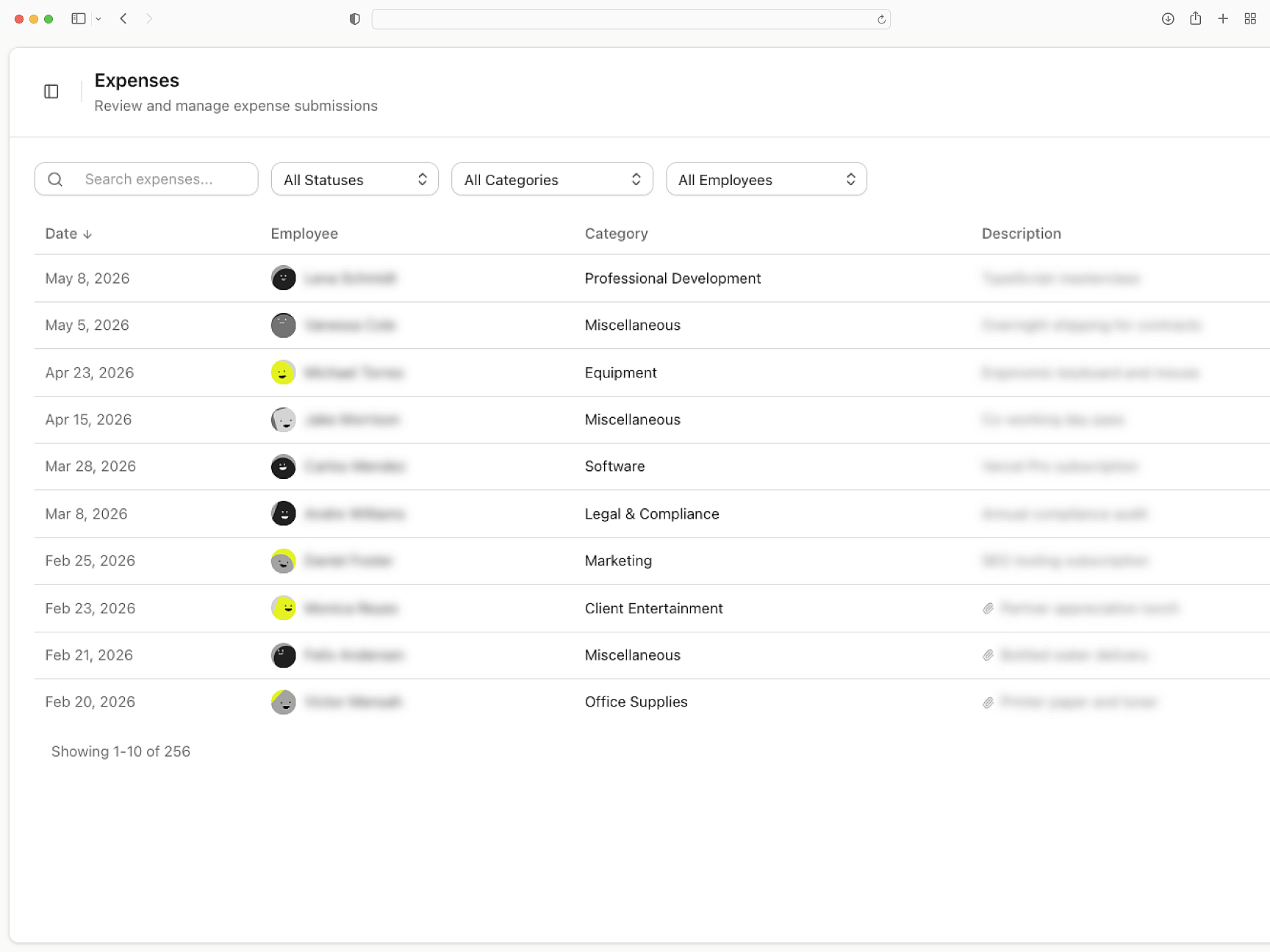
Sensitive data is masked before recordings leave the browser. SSR middleware handles token preservation through Astro redirects. GDPR and CCPA compliant.
Private across every island
Routes to your support stack
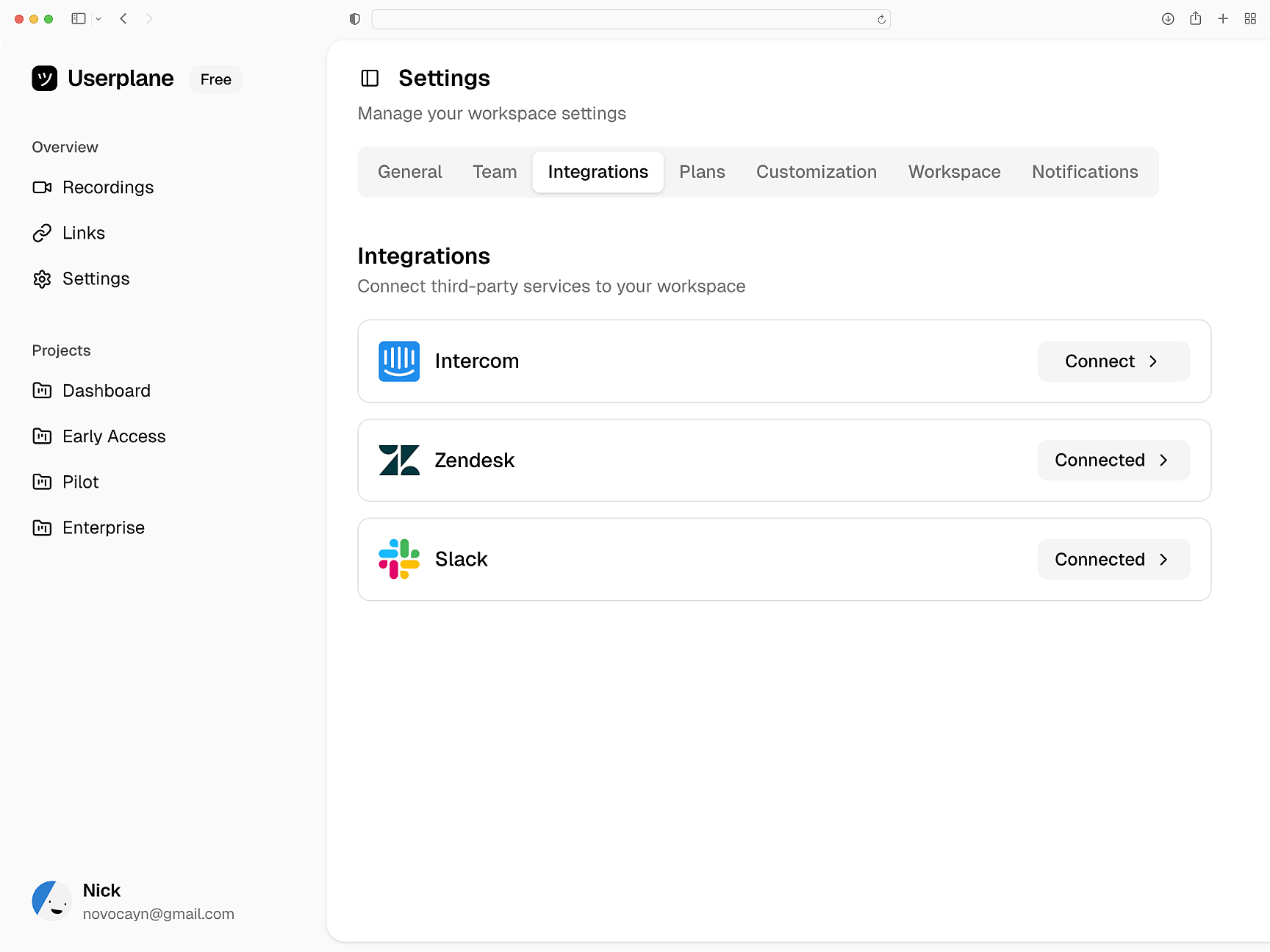
Recordings attach to Intercom, Zendesk, and Slack. Session data routes to tickets automatically. API and webhook integration for custom pipelines.
Where your team triages
Astro
Astro Setup Guide
Install Userplane in your Astro application. Client-side script blocks and SSR middleware.
SDK Overview
One script tag or npm install. Attach metadata, trigger recordings, and mask sensitive fields.
How Screen Recording Works
How recordings capture errors, network traffic, and session behavior automatically.
Next.js
Capture console logs, network requests, and session details from your Next.js app. Works with App Router and Server Components.
React
Every React recording ships with console logs, network activity, and session context. Works with Vite, CRA, and custom setups.
Vue
Every Vue recording ships with console logs, network data, and session activity across Vue 3 components and Vue Router transitions.
Troubleshoot Astro issues across every island
Island rendering issues, hydration bugs, and runtime errors — diagnosed with full technical context from every recording.