Debug customer issues
with screen recordings
Capture console logs, network activity, and session metadata with screen recordings. Works with React, Vue and more.
Works with your stack
 React
React Next.js
 Vue
Vue Angular
 Nuxt
Nuxt Svelte
 Astro
Astro Remix
Remix Node.js
 Bun
Bun Deno
Deno TypeScript
 JavaScript
 HTML5ReactNext.jsVueAngularNuxtSvelteAstroRemixNode.jsBunDenoTypeScriptJavaScriptHTML5
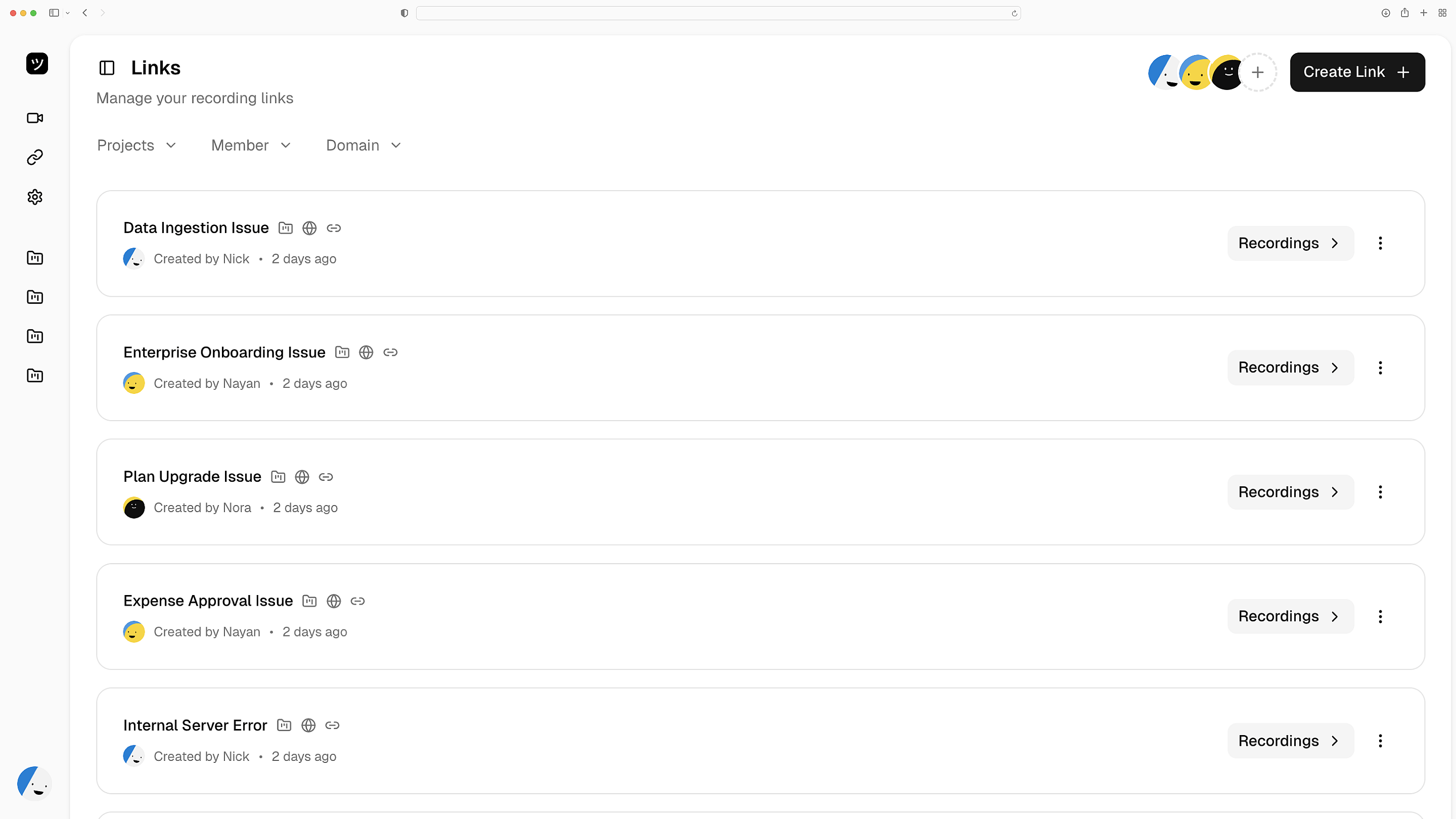
Screen Recordings with Logs
Get screen recordings with console logs, network snapshots, application state, and user steps. Resolve customer-reported bugs without chasing support for more detail.
Zero-config session data
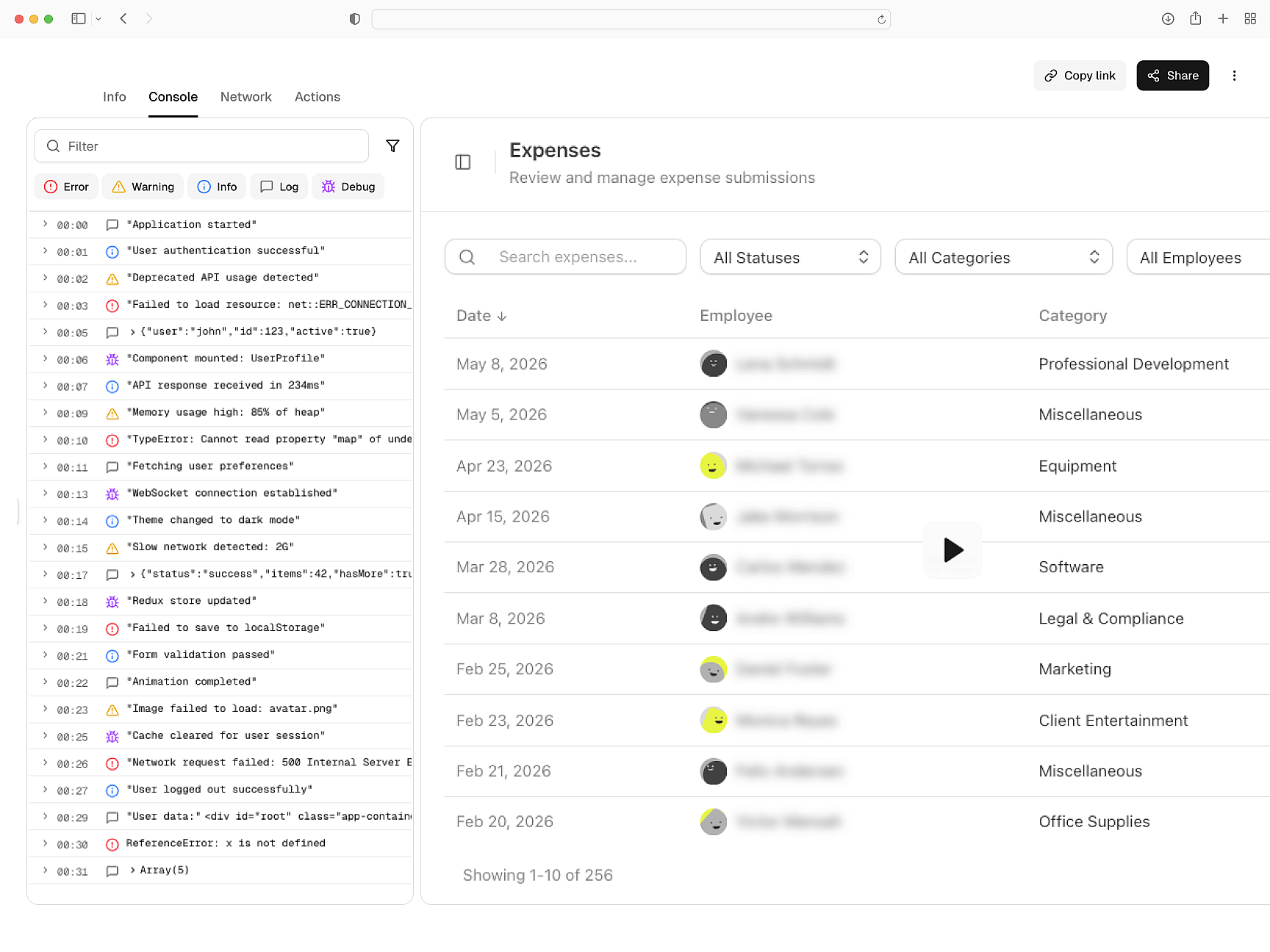
Drop-in SDK
First-class support for React, Next.js, Vue, Angular and more. Install the SDK and get complete session context for every customer-reported bug.
Works with your stack
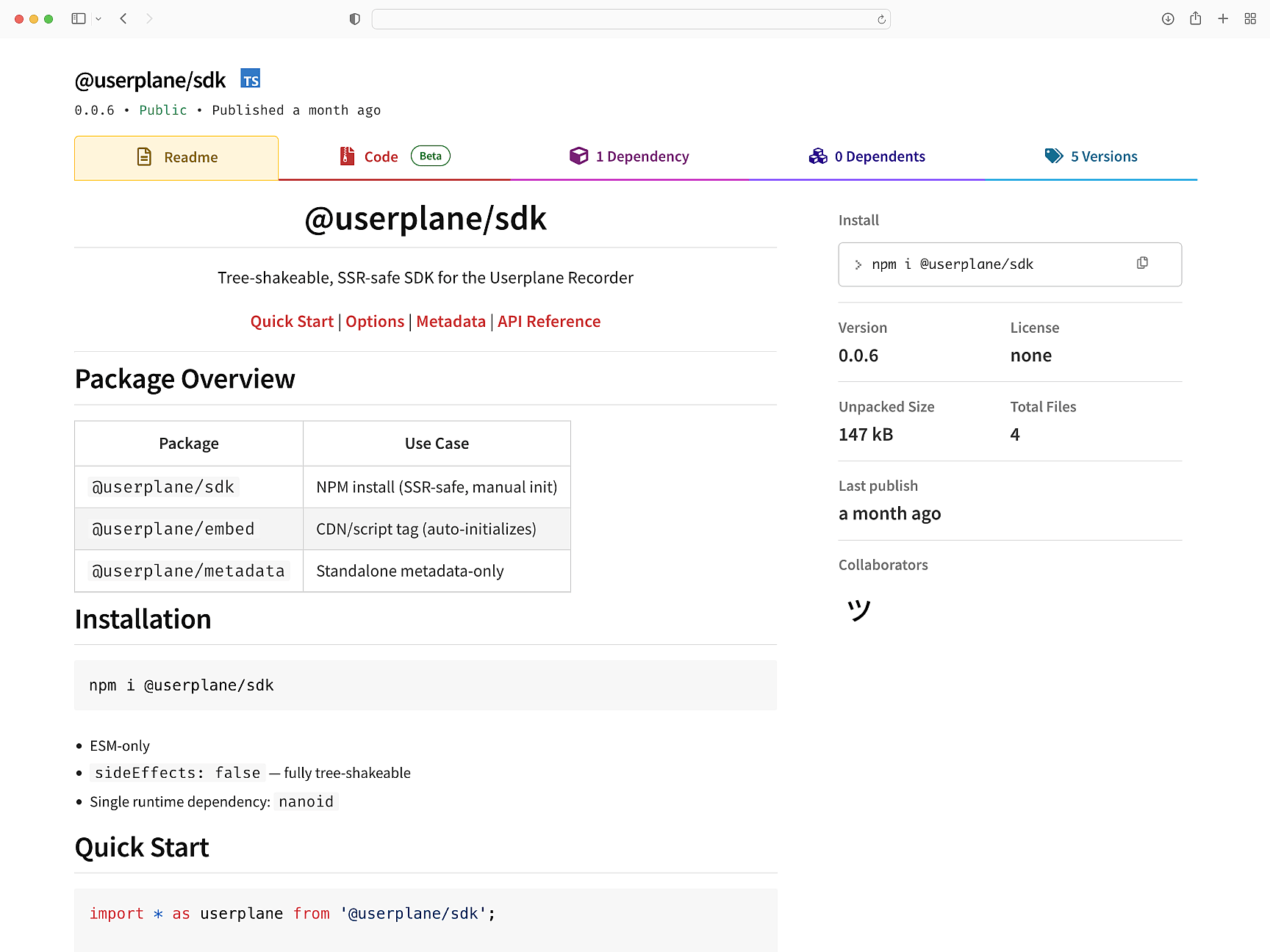
Native to your support stack
Every recording lives alongside the support conversation — deep-linked to the ticket in Intercom or Zendesk and accessible from Slack. Designed for fast technical support teams.
Fits where you already work
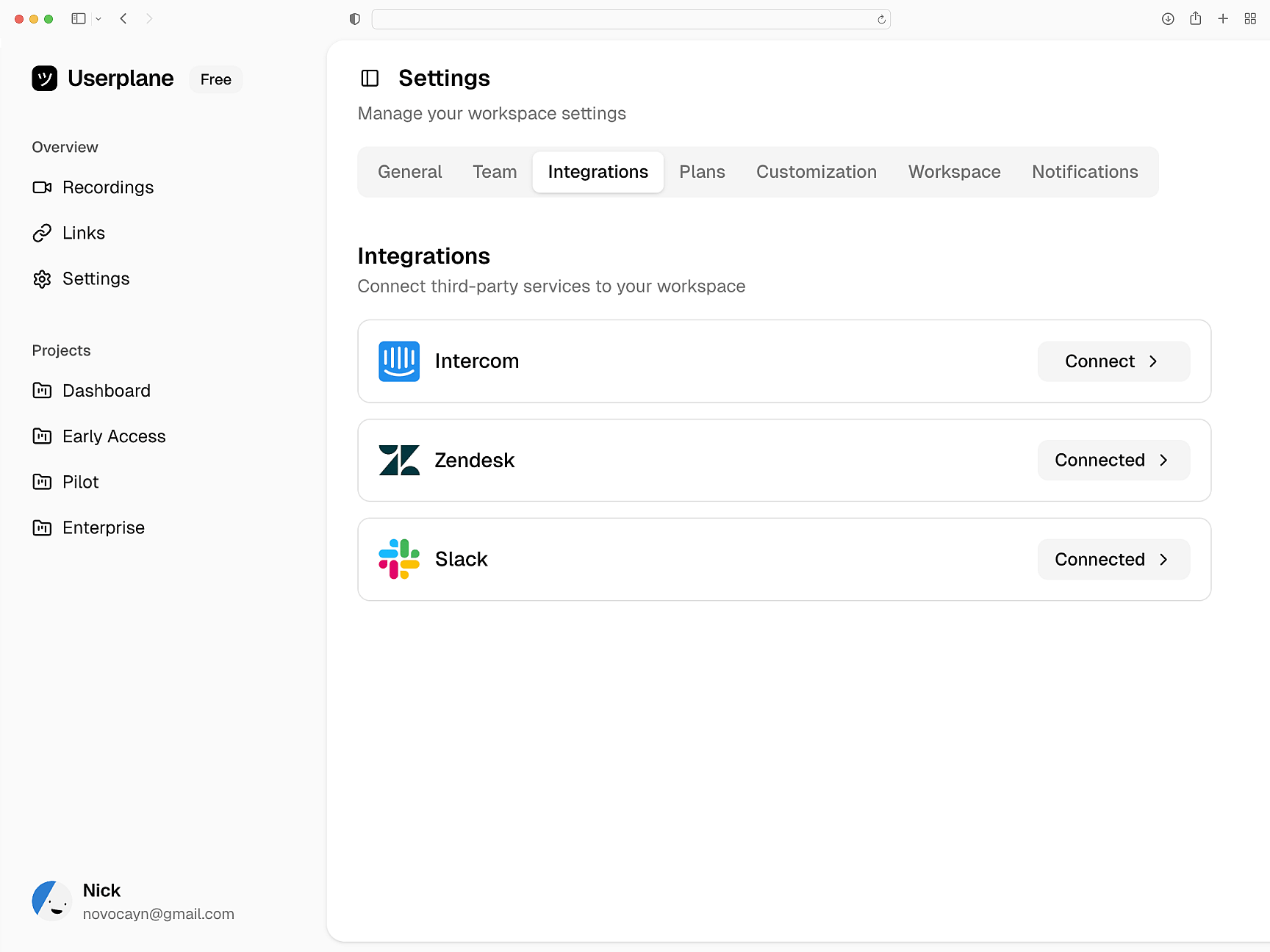
Privacy controls in code
Control exactly what gets captured, what gets redacted, and how user consent is handled. Define redaction rules, consent flows, and capture scope in your codebase.
Compliance as code
Engineering Teams
Developer Onboarding
Install the SDK, configure metadata, set up domain verification, and control what gets captured.
How Screen Recording Works
Learn how recordings capture console logs, network requests, and session metadata automatically.
Developer Installation Guide
Technical guide for installing the Userplane SDK and configuring it for your application.
Support Agents
Close support tickets on first contact. Every recording lands with console logs, network data, and exact user steps.
Support Engineers
Diagnose escalations without back and forth. Each recording carries console logs, network data, session activity, and user steps.
Customer Success
Understand harder to describe issues. Every recording carries console logs, network data, and full session context.
Fix customer issues without back-and-forth
Investigate issues with console logs, network data, and session data — captured with every recording.